
How to buy a hosting / website
This article will walk you through the process of purchasing a hosting or website plan, from browsing plans to completing payment, in just 5 simple steps.
Purchasing process
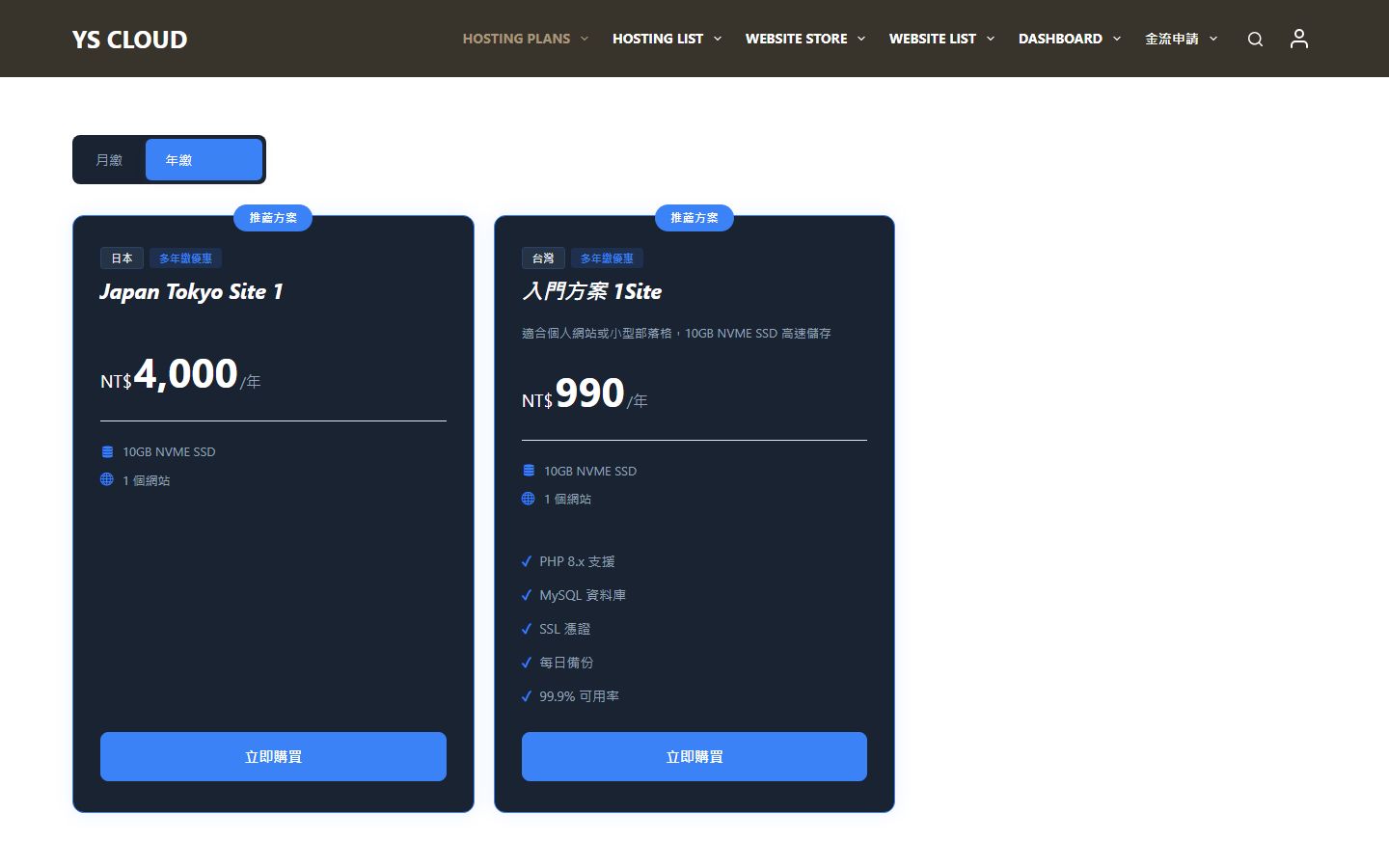
Browse Hosting Plans
Go to the hosting plan page and choose the plan that suits your needs. Each plan clearly lists specifications, traffic, and prices for easy comparison and selection.
Add to cart
After selecting a plan, click the "Add to Cart" button. You can confirm the selected plan and amount in the mini shopping cart.

Fill in checkout information
Proceed to the checkout page and fill in your contact information and billing address. If you already have an account, your information will be automatically populated.

PayUni Payment
After selecting a payment method, you will be redirected to the PayUni unified payment platform for secure payment. Credit cards and various other payment methods are supported.

Purchase complete
After successful payment, your hosting account will be automatically created. You can view your hosting status and manage your subscription in the "My Account" dashboard.
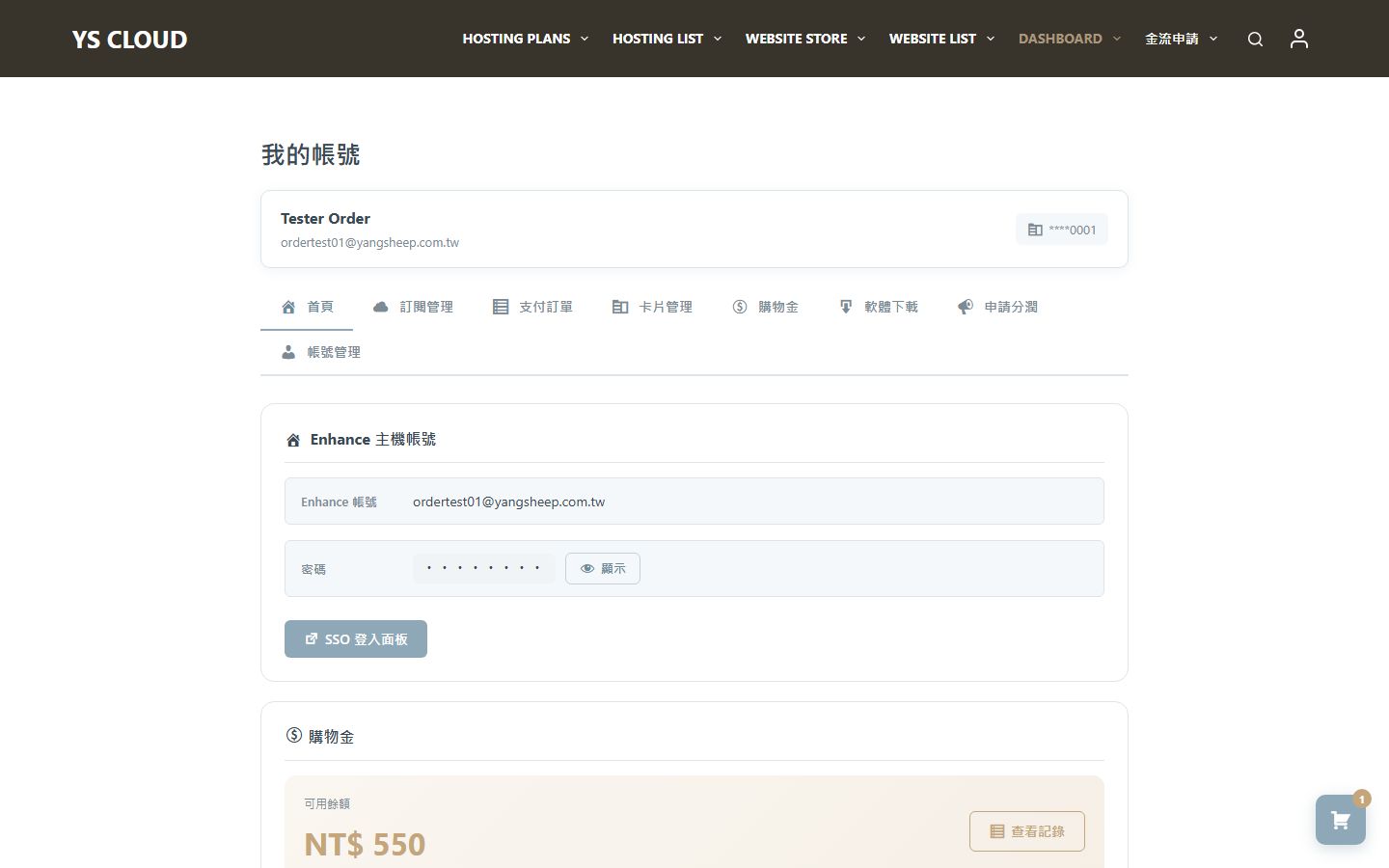
Upon your first purchase, your credit card will be automatically linked to the system. Subsequent subscription renewals will be automatically charged, eliminating the need for repeated actions.